
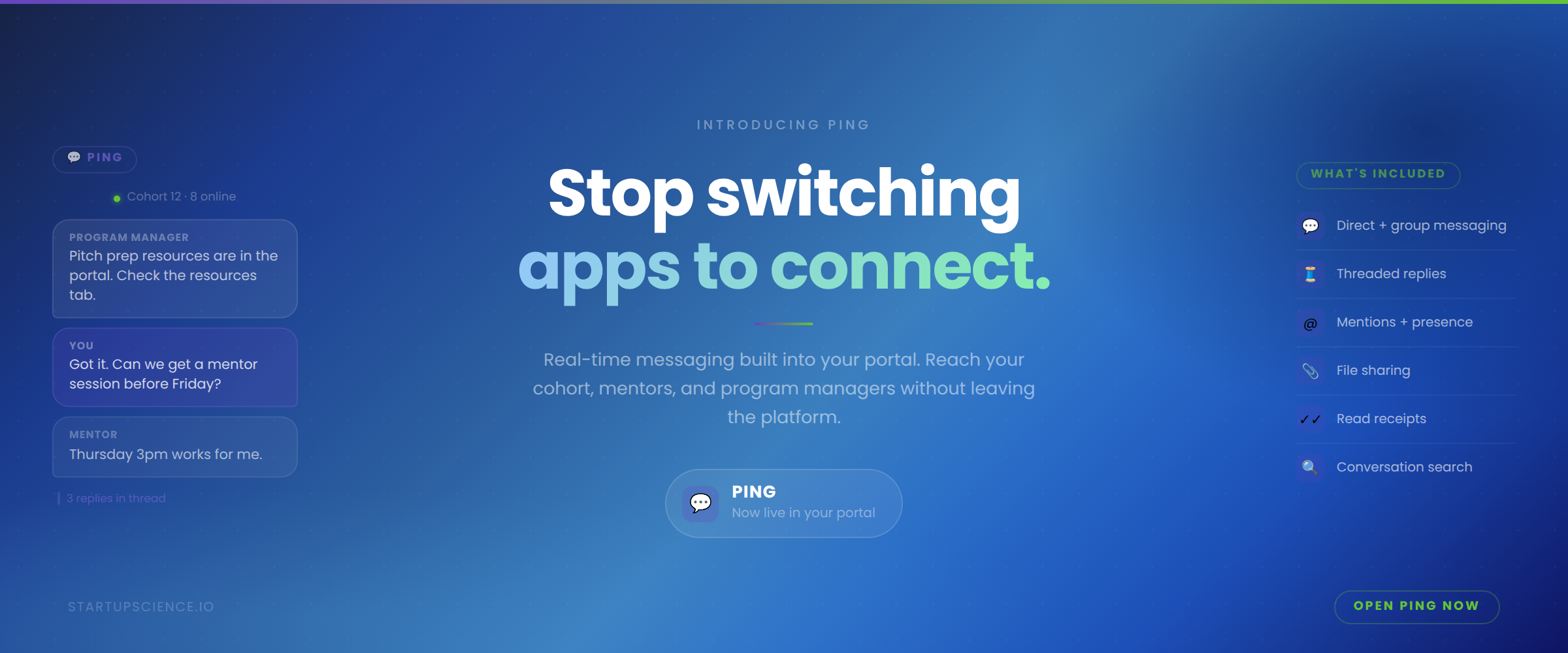
Ping: Real-Time Messaging Built Into Your Startup Portal
Most startup programs run on at least three or four communication tools in parallel. Startups and program managers are spread across their Slack workspace or Discord channel, a WhatsApp group, and way too many email threads. It's highly disruptive because it pulls everyone away from their core business workflows, where their time is best spent.
Ping is built to consolidate the communication layer. It's an enterprise-grade real-time messaging built directly into your Startup Science portal, available to everyone in your program without a separate login, a new account, or another app to manage.
What Ping Includes
Ping is a full messaging system. Not a notification tool or a basic chat box.
Direct messages and group conversations
Start a direct message with any portal member. Or create a group conversation for your cohort, a specific project team, a mentor circle, or any other combination. Group chats can be renamed, and members can be added or removed as the program evolves.
Threaded replies
Click the reply icon on any message to open a thread. Side conversations stay organized without cluttering the main channel. If a single message turns into a longer discussion, the thread keeps it contained and readable.
Mentions
Type @ in the composer to mention a specific person. Or use @everyone to reach all members of a group, and @here to reach only the members who are currently online. Mentioned users get highlighted notifications so the right message reaches the right person.
Reactions and file sharing
React to any message with emoji. Attach files directly to a conversation. Both are standard in every conversation.
Search
Search across all your conversations for any text. Results link directly to the message in context, so you can find what you need without scrolling.
Read receipts and presence
Direct conversations show when someone has read your message. Group conversations display small avatars of members who have read up to each message. Online presence is tracked in real-time across the portal.
Two entry points
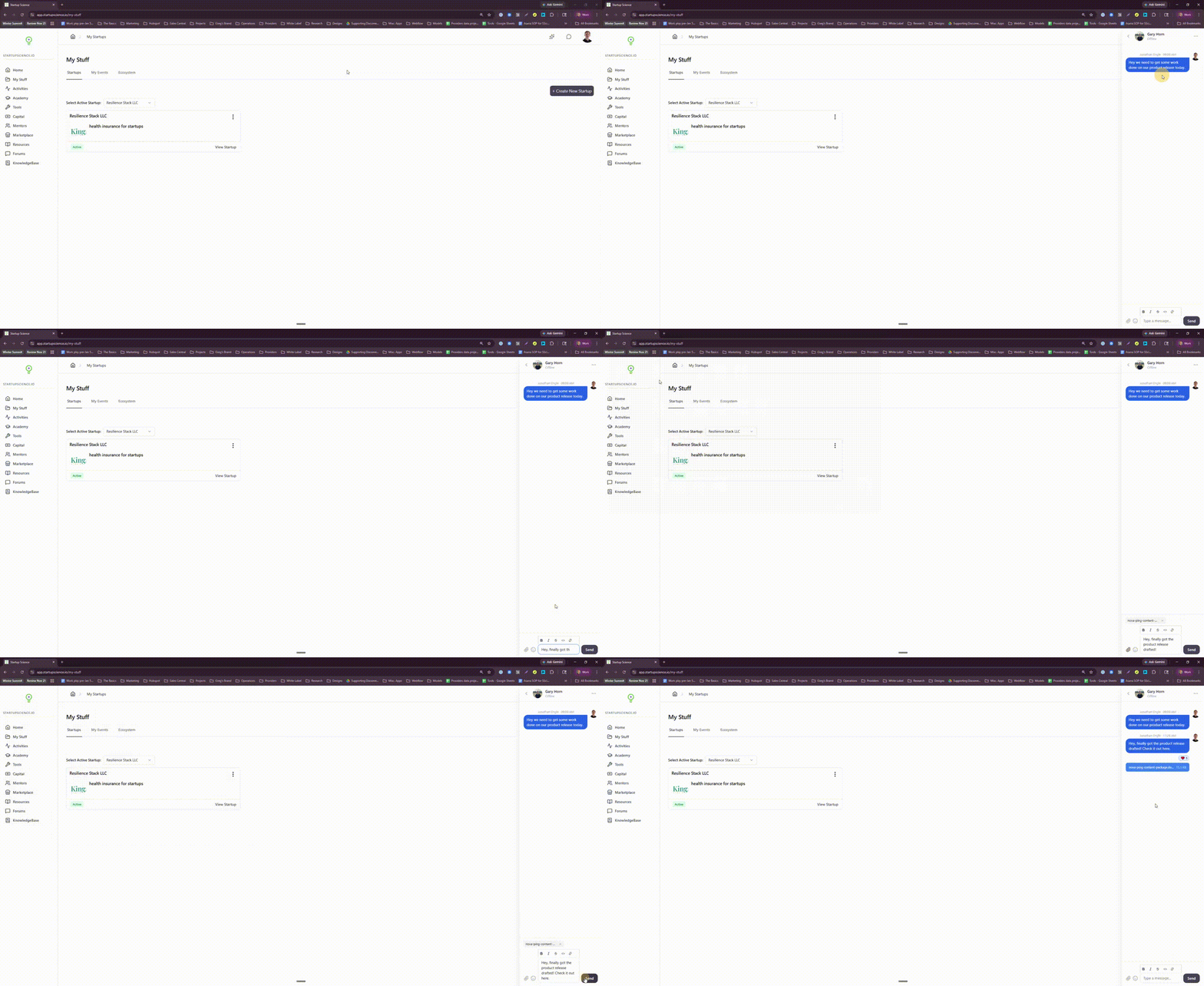
Open Ping from the chat icon in the header for a slide-out sidebar when you need a quick message. Or go to the full Messages page for the complete three-column view: conversation list, active chat, and thread panel. Mobile shows a single-panel view.
What This Means for Program Managers
Running a cohort means managing a lot of moving conversations. There are questions from founders, updates to relay, mentors to loop in, and logistics to coordinate. Across email and external chat tools, it's easy for things to fragment.
Ping keeps those conversations inside the same platform where the program work happens.
Practically:
- Create a group chat for each cohort and keep everyone aligned in one place
- Use threads to keep side conversations out of the main channel
- Mention specific people to make sure important messages get seen
- Communicate with mentors and staff in the same environment as founders
- No more context switching between the portal and an external messaging tool
Every conversation is scoped to your portal. If you manage multiple portals, the messaging stays separate by default. Nothing bleeds across programs.
What This Means for Founders
You're already logging into the portal for your program work. Ping means your program communication lives there too.
What you can do:
- Message your program manager directly without sending an email
- Stay connected with your cohort through group conversations
- Get time-sensitive updates without needing to check a separate app
- Use threads to follow up on specific topics without losing the main conversation
- Know when your message has been read in direct conversations
The goal is fewer tools, not more. The portal is where your startup work happens. Ping keeps your program relationships there too.
How to Use It
Ping is live in your portal now. Click the chat icon in the header to open the sidebar. Click "New Message" to start a conversation, or tap a contact in your Most Contacted row to message someone directly.
For the full experience including threads and conversation management, navigate to the Messages page.